
How the evolution of DIALux Pro supports your BIM workflow
Unlimited luminaire selection, IFC import and export (BIM), and documentation layout export, you get all of this with DIALux Pro.
In this series, we focus on the Open BIM process and show you what has happened since the introduction of DIALux evo 12 and why it’s definitely worth taking a look at the current version. Let’s dive into part one!
Lighting design meets BIM
Our goal is clear: to provide lighting designers around the world with a precise and stable foundation for their BIM projects.
“Our vision is to develop DIALux evo into a tool that covers the entire lighting design process. To achieve this, we stay in close contact with you to truly understand what you need to make your work as efficient as possible”, Dieter Polle, CEO, DIAL GmbH.
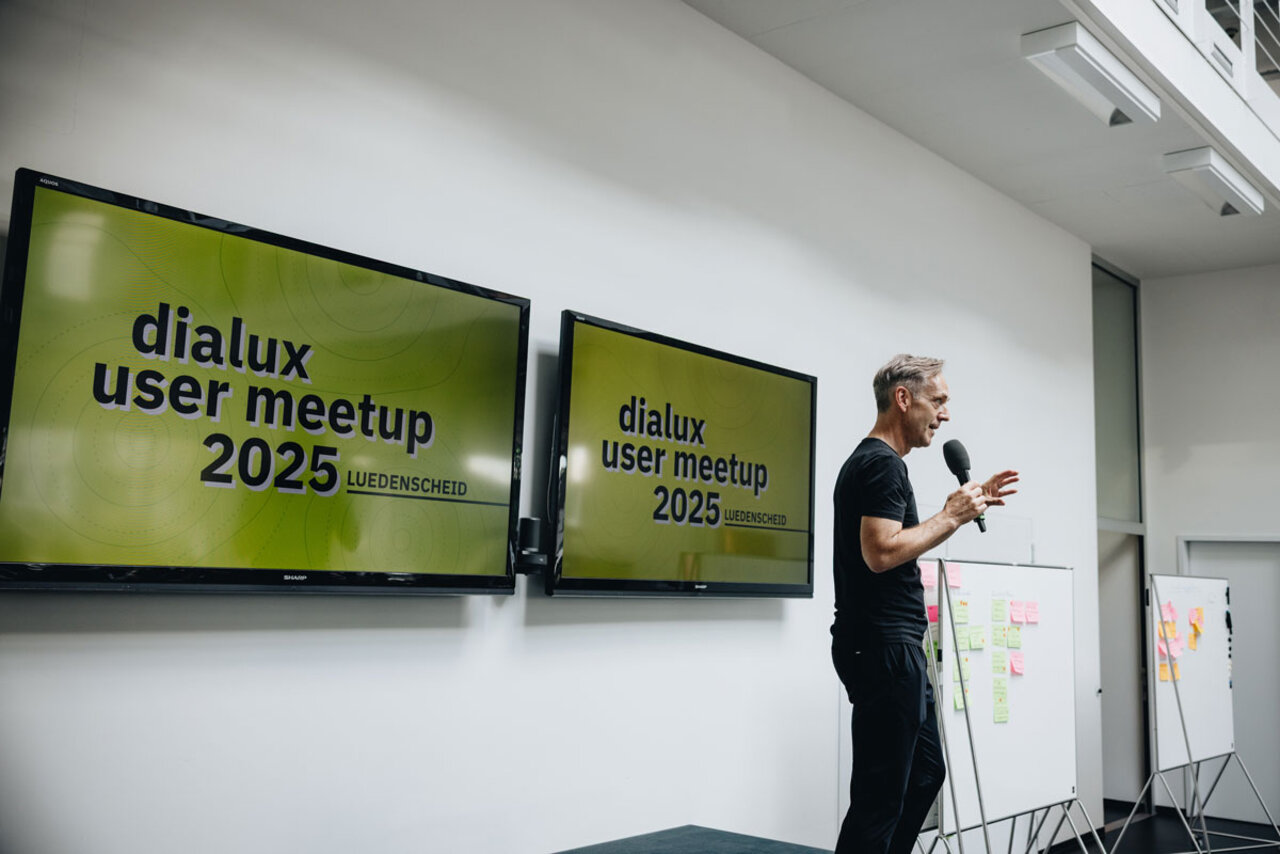
To bring this vision to life, we didn’t just ask the DIALux Community about their needs – we also spent the past months in direct dialogue with numerous users and lighting design offices. Our goal was to understand in detail how you plan, where your challenges lie, and which features truly make a difference in your daily work. These insights are now being continuously incorporated into the further development of DIALux.

The launch of DIALux Pro
With DIALux evo 12, we released the first version of DIALux Pro, including BIM features, export, and layout functions. For the first time, this created a powerful package that fully integrates BIM into lighting design.
The focus of development was to enable a faster and more stable import of complex IFC models and to optimize the overall BIM workflow. The new import assistant displays the contents of the IFC model in a clear hierarchy, allowing designers to decide which building elements to import before starting their project.
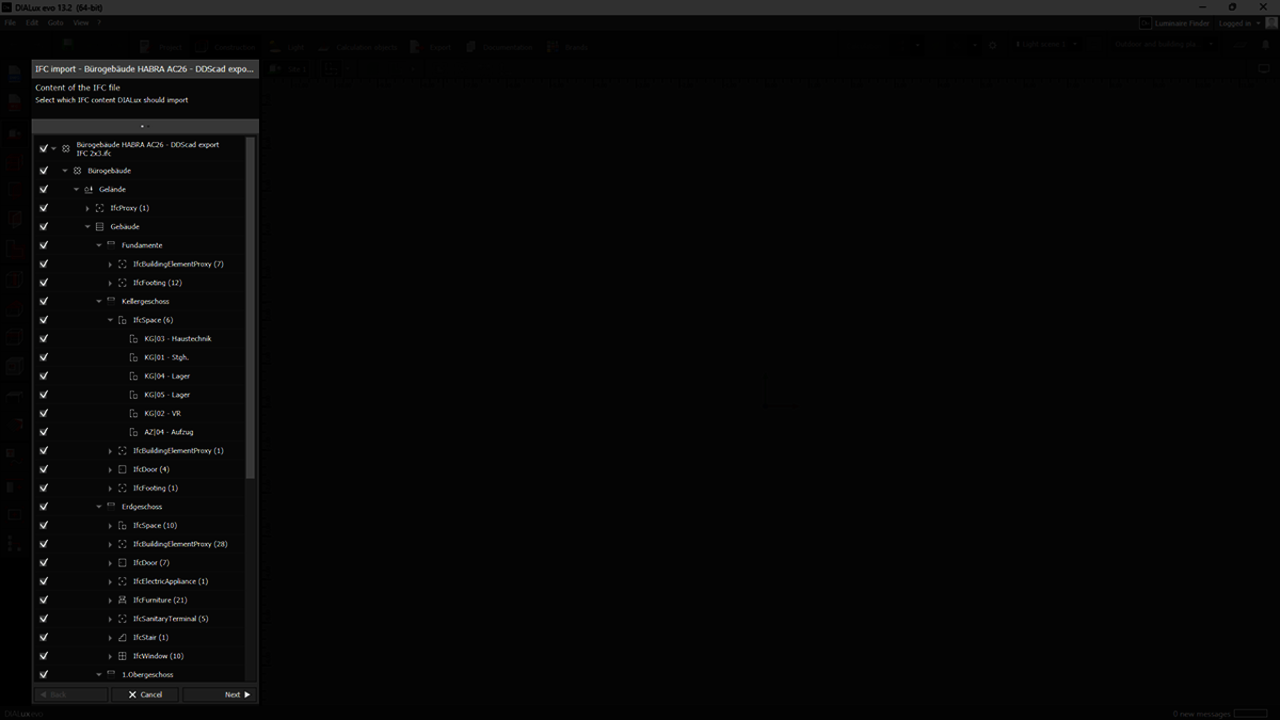
The goal is to import as many building components as possible, even from other trades, to achieve a complete and realistic model for planning.
In addition, DIALux exports 3D information of the lighting system into its own IFC model for lighting, which can be shared with other specialists in the BIM workflow, a key step toward collaborative lighting design.
Smart IFC integration
With DIALux evo 13, the model import was refined even further. IFC spaces and their descriptions are now imported one-to-one into DIALux, forming the foundation for standard-compliant lighting evaluation.
information on where luminaires are placed and which zones they belong to is transferred back via the exported IFC model, including the most important product properties of the luminaires.
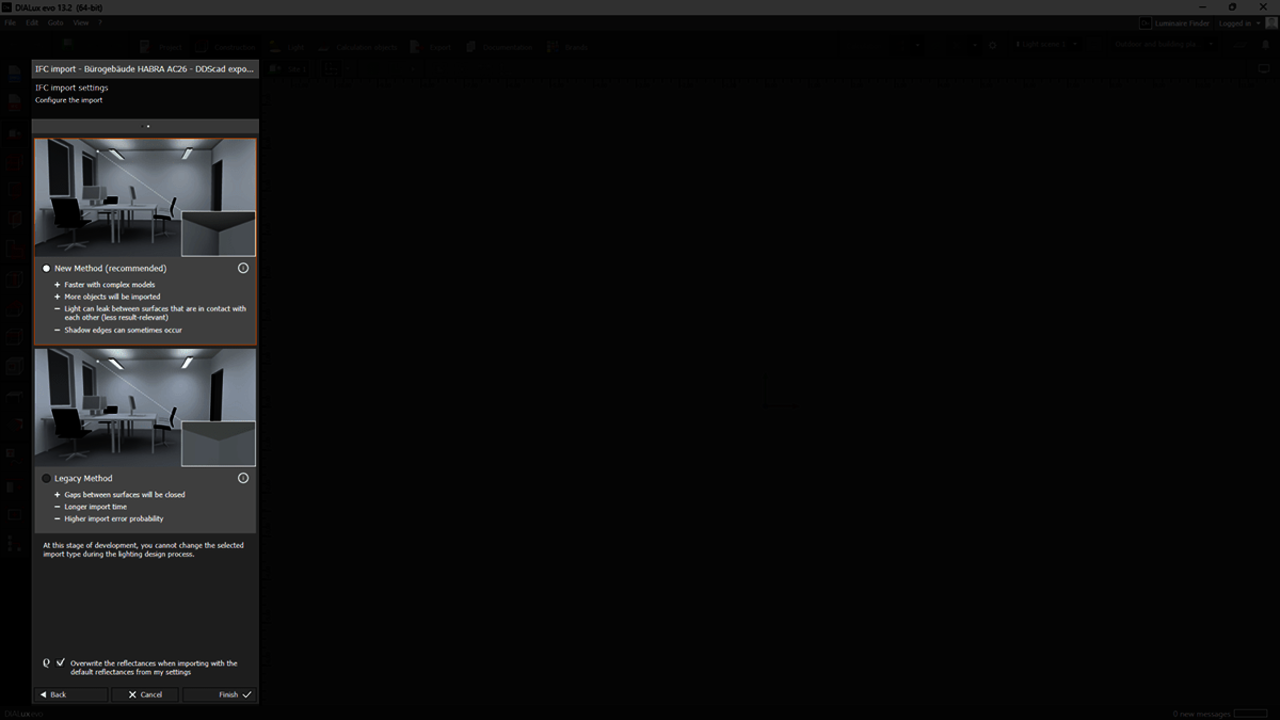
A new and improved IFC import method was also introduced, offering greater stability and often faster performance.
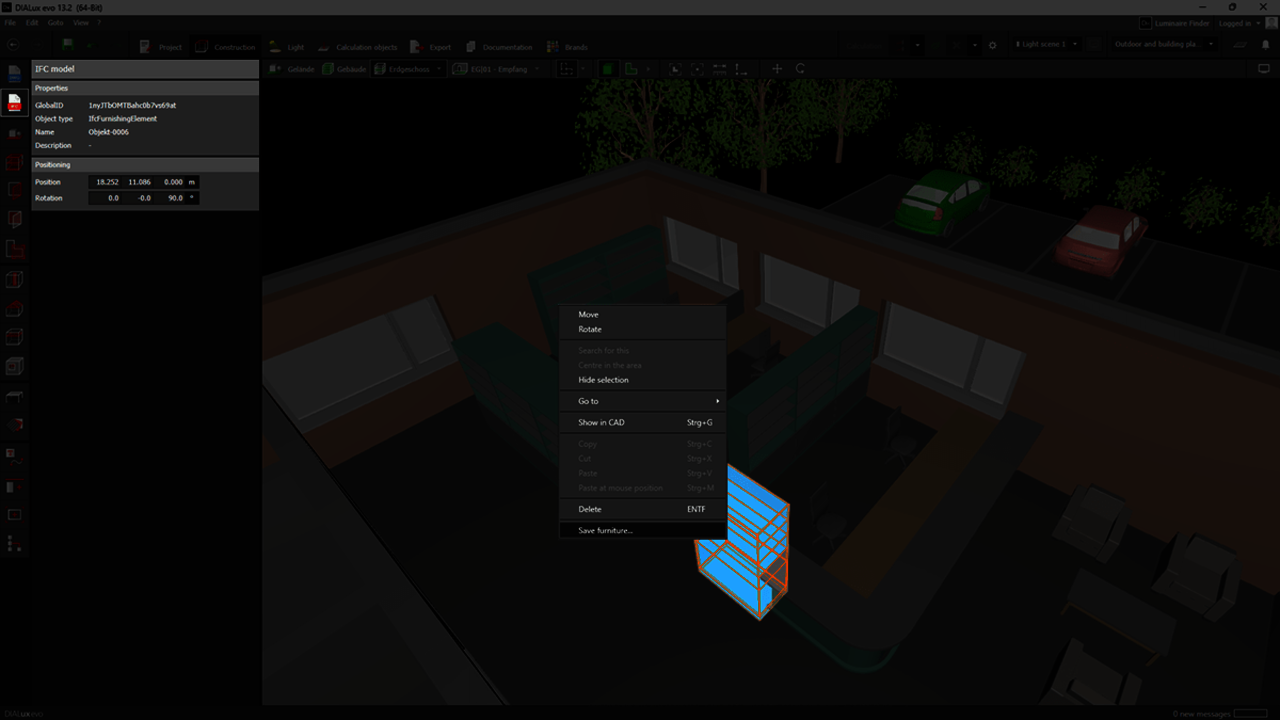
Another highlight: building components from IFC models can now be saved and reused in future projects via the furniture catalogue.
Outlook: Advancements and Revit integration
With DIALux evo 14, development continues to move forward. The focus is on better support for IFC models that already contain luminaires. During import, these are automatically replaced by placeholder luminaires, which can later be easily swapped with products from your own luminaire list.
Furthermore, DIALux will now export the selected light configurations of each luminaire into the IFC model for lighting . When re-importing, DIALux intelligently recognizes this information, automatically finding the corresponding luminaires in the luminaire list and inserting them – complete with the correct configurations.
Another milestone is the functional expansion of DIALux Pro:
With the new Autodesk Revit plug-in, developed by DIAL, users will be able to exchange planning results directly between DIALux and Revit. The foundation remains the IFC model for lighting exported by DIALux.
What’s next?
Upcoming articles will give you even deeper insights:
• What does DIALux Pro deliver in the BIM workflow?
• What advantages does DIALux Pro offer in cooperation with partners?
Experience the new BIM features yourself!
Start your free 30-day trial today and discover DIALux Pro.