
DIALux evo 14 is now available: Faster planning thanks to room-by-room calculation
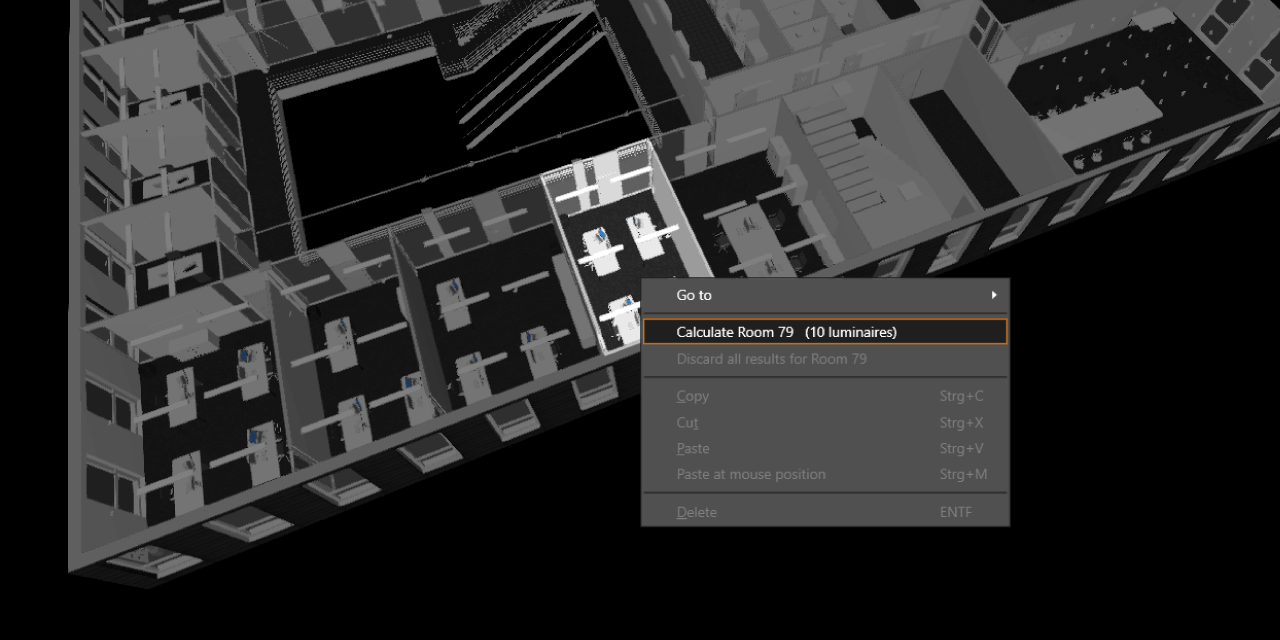
DIALux evo 14 is now available for download. With the new version, calculating your projects becomes even more efficient: you can calculate individual rooms and spaces specifically, and thanks to optimized room views, you can navigate the model more easily. This makes it faster and more structured to handle even large projects.
Room-by-room calculation
Large projects with many rooms and hundreds of luminaires can quickly reach their limits with traditional calculation methods. Complete recalculations are time-consuming and can significantly slow down the planning process.
With DIALux evo 14, we are therefore introducing a new calculation method: room-by-room calculation. Instead of calculating the entire project at once, rooms or spaces are calculated independently of each other. The individual results are saved and then combined into an overall result.
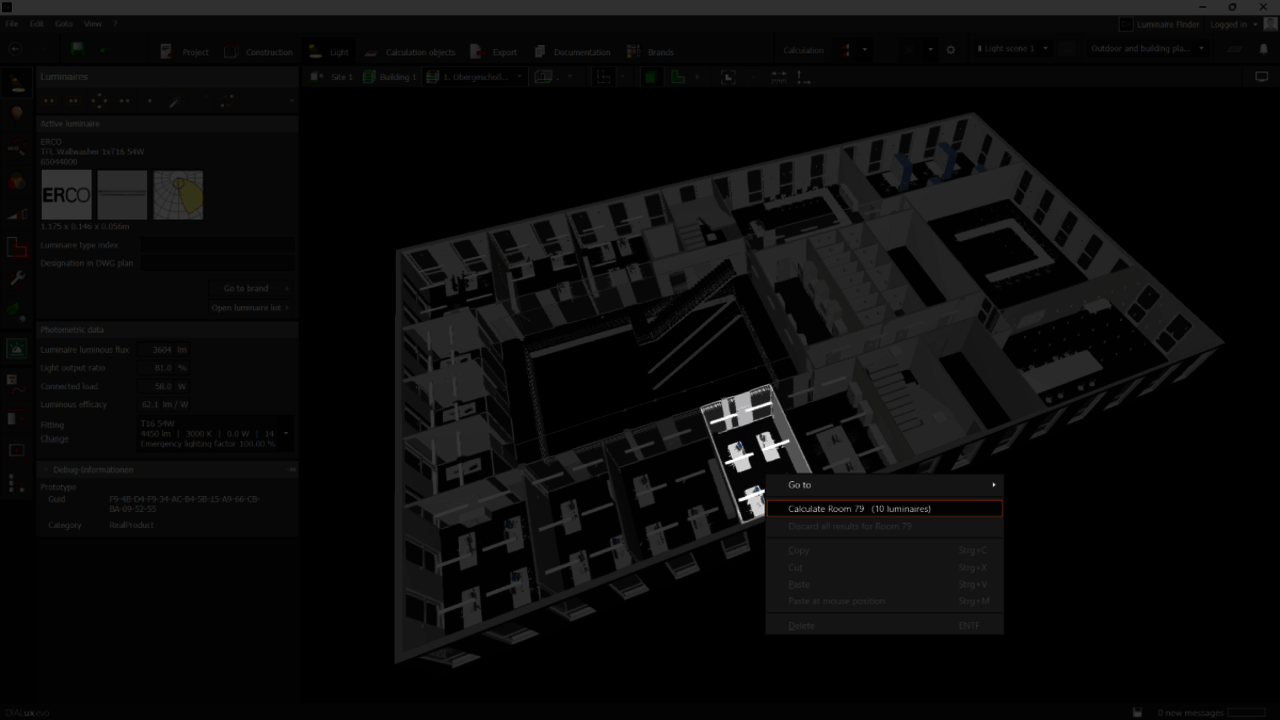
This allows you to specifically plan individual rooms or spaces in large projects, add more step by step, or iteratively modify existing ones. Calculations become faster, and constant interruptions and very time-consuming overall calculations are eliminated.
Easy operation
The new method can be activated directly in the calculation settings. Alternatively, you can select individual rooms with a right-click in the CAD view or in the project tree.
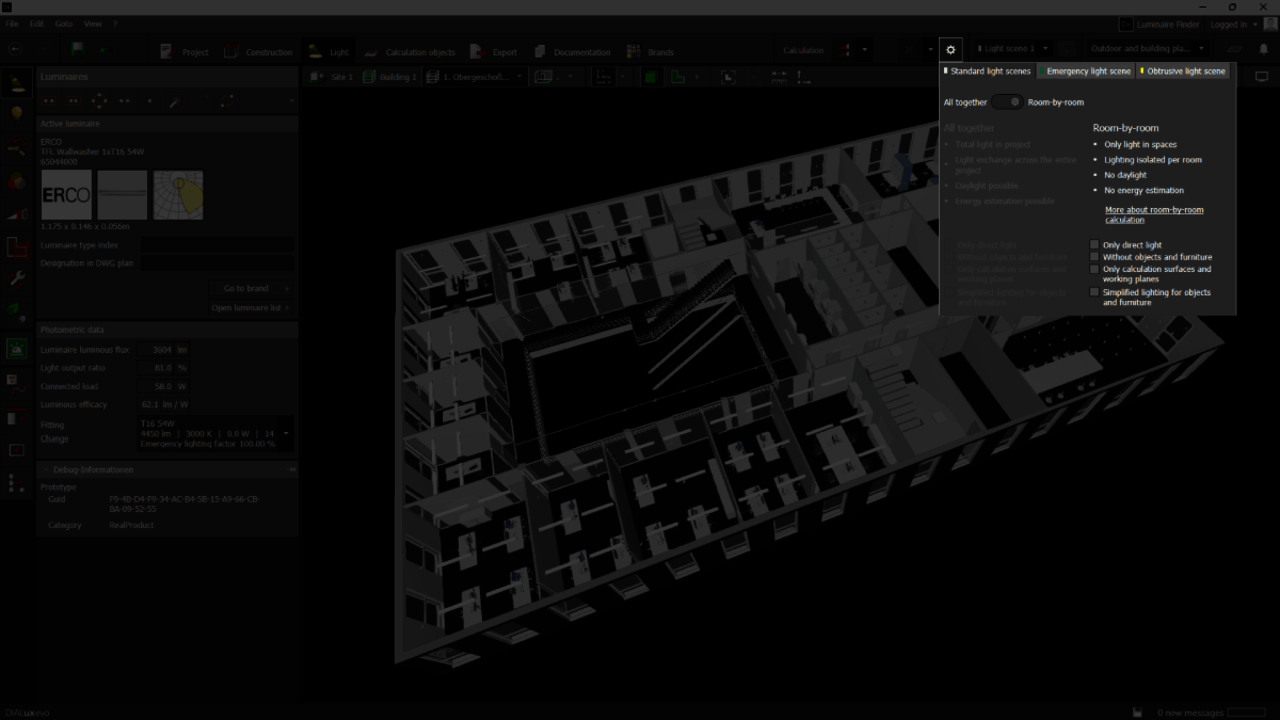
Results can be discarded selectively or all at once. New status icons in the results monitor show you at a glance whether results are up to date, pending, or outdated. The room-by-room calculation is part of the free version of DIALux evo 14 and is available to you at no cost.
Clearer room views with Scope Boxes
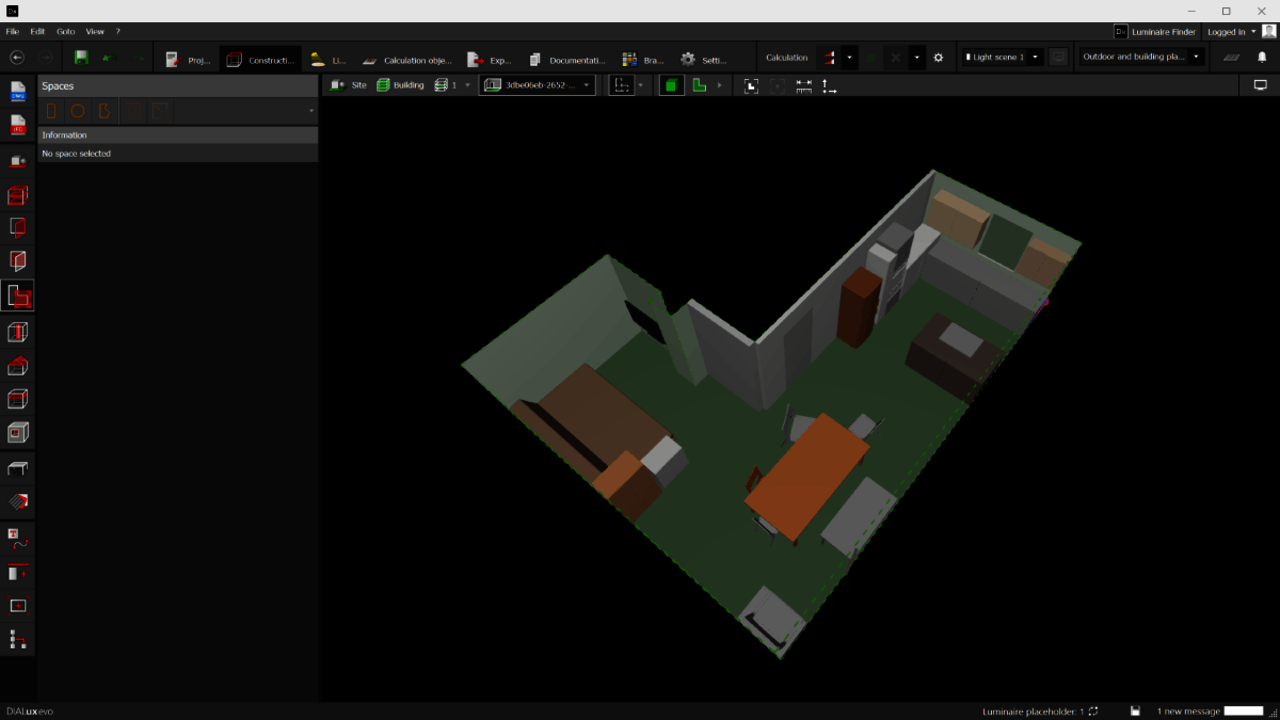
In BIM models, components often extend beyond room boundaries. Cables, ceilings, or technical installations can make room views cluttered.
With DIALux evo 14, there is therefore the new Scope Box view. The principle is simple: within a room view, only the geometry that is actually located in the room is displayed. Elements outside this volume are automatically hidden.
The Scope Box view is enabled by default and can be adjusted in the program settings if needed.
Update on the DIALux Bridge for Autodesk Revit
The DIALux Bridge for Revit was originally planned for this release as well. However, during final testing, we encountered an issue that we would like to resolve before publication.
Our goal is clear: we want to provide you with a stable and fully functional plugin. Therefore, we have decided to deliberately postpone the release of the DIALux Bridge for Revit rather than deliver an unfinished version.
We are already working intensively on a solution and will keep you informed about the next steps.
Discover DIALux evo 14 now and download the version here.