
DIALux evo 13.2: Even stronger in IFC-based planning
With version 13.2, DIALux evo becomes even more powerful for you when working in BIM workflows. The update brings improvements in object handling, visibility control and IFC export, giving you more flexibility, especially when dealing with complex building models.
Show and hide objects in CAD
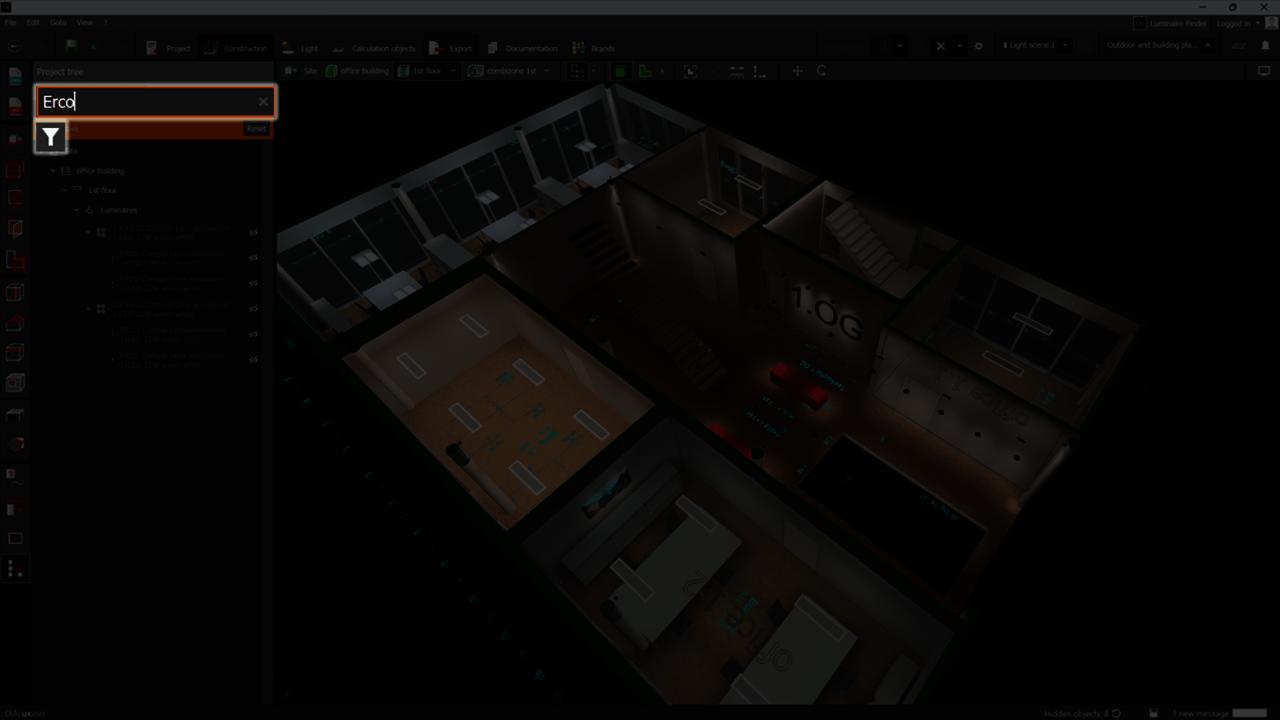
One of the most requested features is finally here: from now on, you can flexibly show or hide any object in the CAD view, from the smallest screw to entire buildings. This improvement, strongly requested in the DIALux Community, gives you full control over visual clutter during planning.
If something is in your way, whether it’s a single object or an entire group, simply right-click your selection in the CAD view. Using the context menu or the familiar eye icon, you can instantly show or hide objects.
The status bar and the project tree keep you informed by showing you the number of hidden objects. With just one click, you can make them all visible again and immediately see how they relate to your current view.
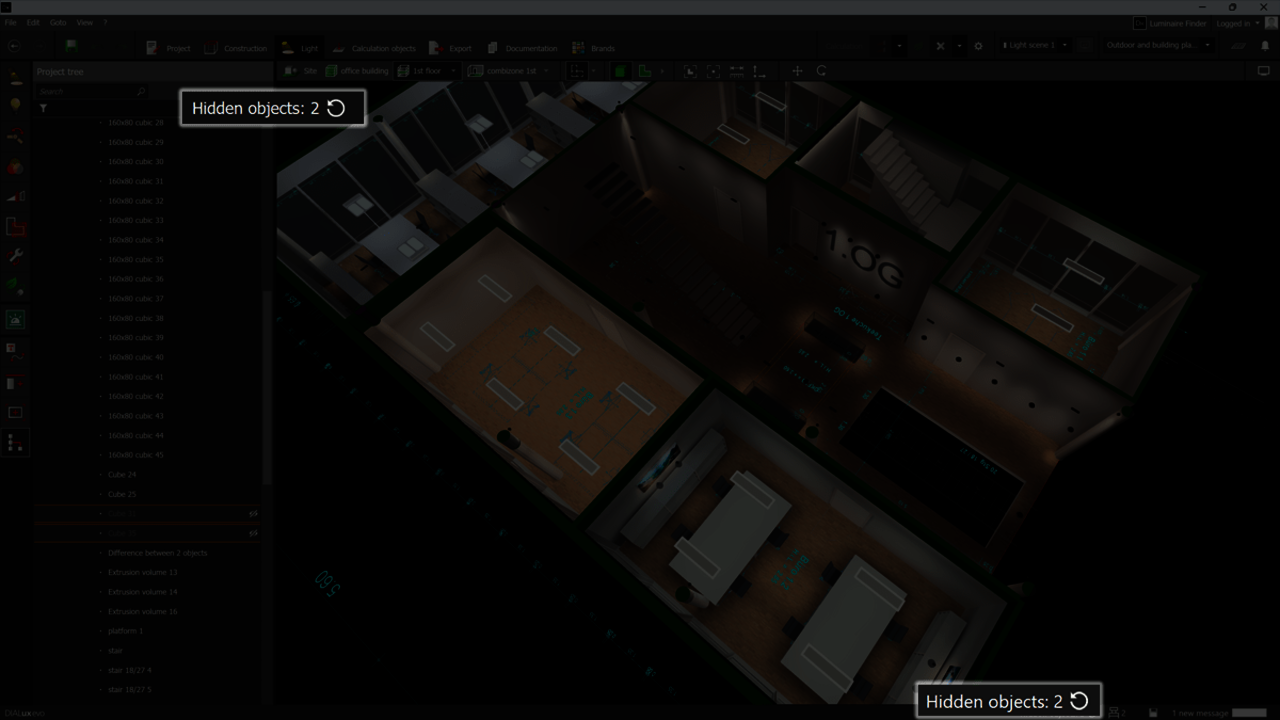
The redesigned project tree also shows you at a glance which objects are visible or hidden. Each entry is clearly marked, so you can work without detours. Improved structure, better sorting, and higher performance help you organize your project more efficiently.
Important: Hiding objects in CAD is purely a visual aid. All objects are still considered for calculations and documentation, ensuring your planning remains accurate and complete.
More control when exporting IFC files
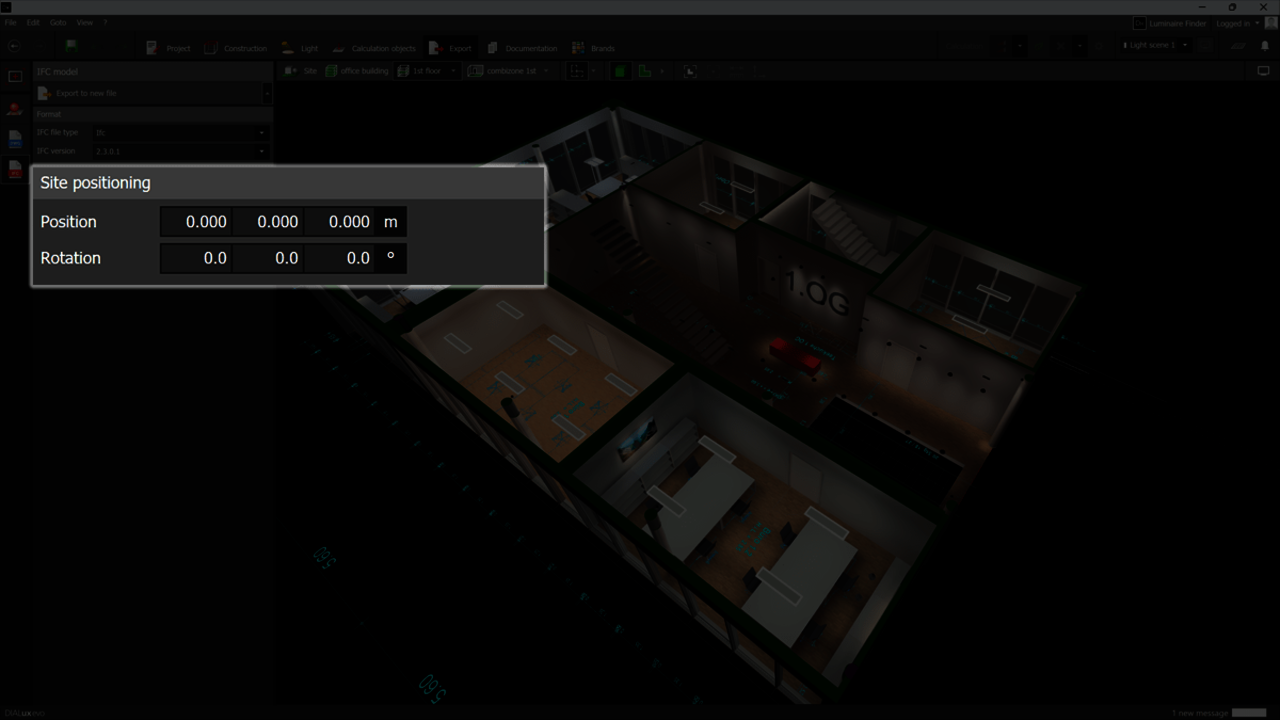
In real-world projects, different team members often work on lighting design and IFC models in parallel. With DIALux evo 13.2, you can now adjust the IFC insertion point and orientation during export. This ensures your lighting design aligns precisely with the IFC model. Your settings are saved directly in the project, you only need to set them once.
Improved luminaire layout plan
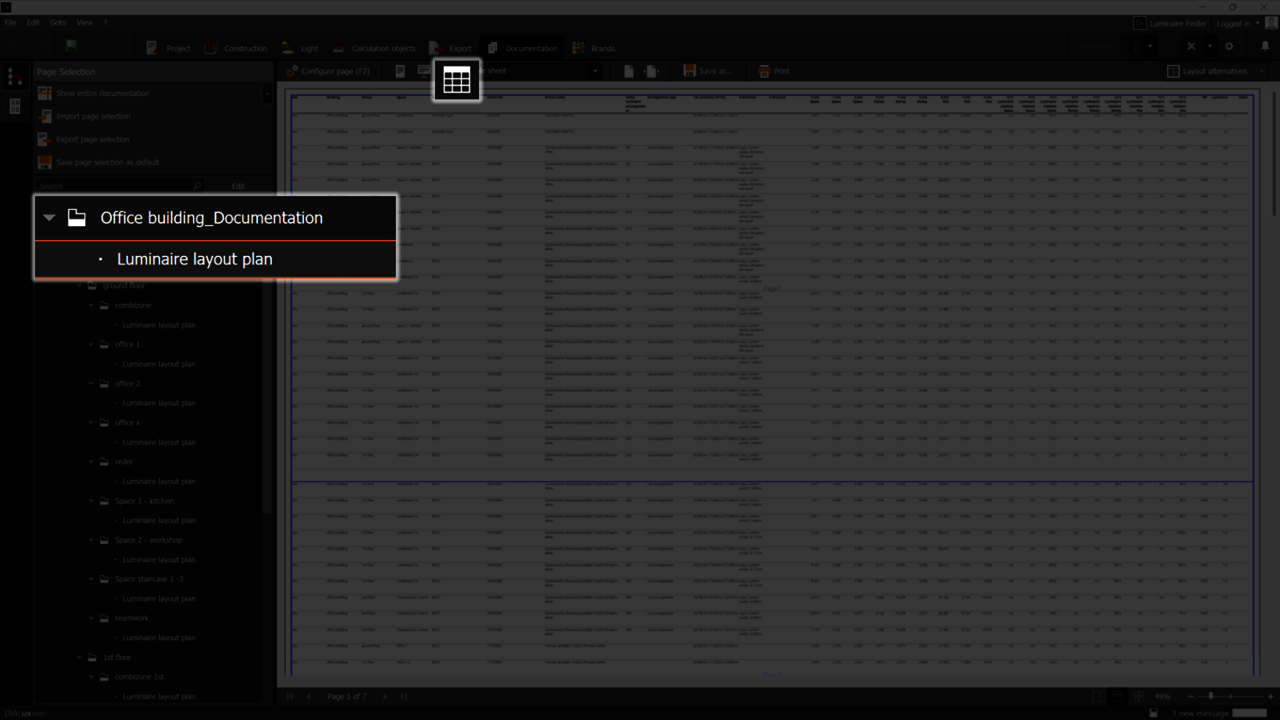
We’ve also enhanced the luminaire coordinate list for you. From now on, you’ll find all luminaires in your project in one clearly structured table, located under the new “Luminaire layout plan” entry in the project documentation.
You can export the table in various formats: PDF, Excel, CSV, or XML. Each luminaire entry now includes much more detailed information, such as location (building, storey, room), mounting position, and rotation. This provides better coordination, fewer misunderstandings, and a clearer overview for everyone involved.
Data exchange with Vectorworks
There is now a new level of interoperability between DIALux evo and the globally leading design and BIM platform Vectorworks . Based on the open IFC standard, this integration enables seamless data exchange, allowing you to integrate professional lighting design even more easily into comprehensive building models.
The improved workflow supports you and your team, whether you’re working as an MEP engineer, architect, or landscape architect, ensuring smooth and precise collaboration.
Changes to known functions
- The new visibility control replaces the old function for showing/hiding calculation objects in the results overview. Now you can do this directly in the project tree or via right-click on the objects themselves.
- The Word export for tabular outputs has been removed, since Word was unable to reliably display large tables.
- Buildings from IFC models are now fixed after import and can no longer be moved or rotated.
- Eight new import formats for 3D models have been added, including FBX, OBJ, STL, and more – enabling even more realistic visualizations of your concepts.
Bug fixes and improvements
- More reliable IFC imports: corrected height displacement of areas. Previously, areas could sometimes float above or below the floor.
- Corrected insertion operations of luminaires when only one floor is imported from an IFC model.
- Rendering improved: glowing surfaces appearing black after ray tracing are now a thing of the past.
- The DWG export once again documents the main room surfaces for rooms.
- Corrected vertical displacement when duplicating luminaires across floors.
Get the latest DIALux evo 13.2
Experience new features and improvements
that make your lighting design even more efficient.
Download now