
SEAMLESS BIM INTEGRATION
DIALux Bridge
for Revit
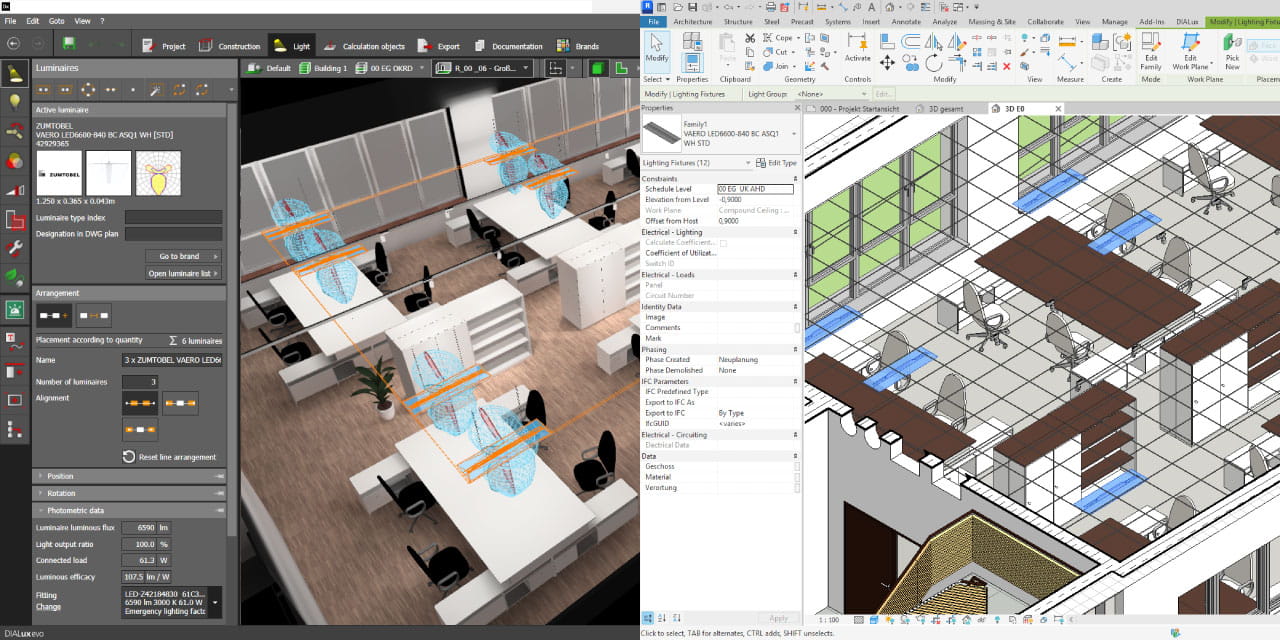
For the first time, transfer your complete lighting model directly into a Revit project. Including native Revit Families. No manual rework, no data loss, no duplication of effort.
Download the Plug-in See how it works →
HOW IT WORKS
From Revit to DIALux and back
DIALux Bridge closes the gap between lighting design and architectural BIM coordination using IFC as the exchange backbone.
STEP 1
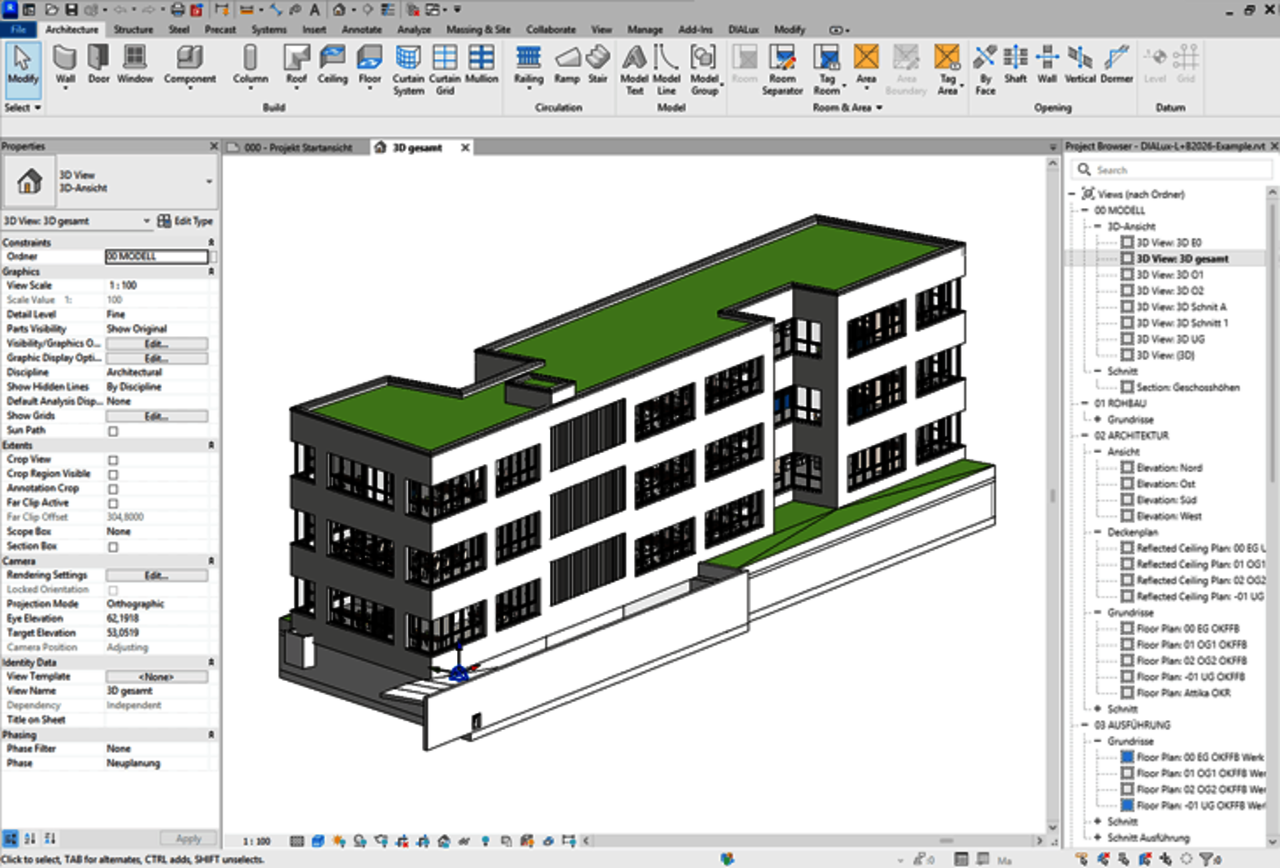
Import Revit Model as IFC
Receive the architectural model from Revit as an IFC and import it to DIALux.
STEP 2
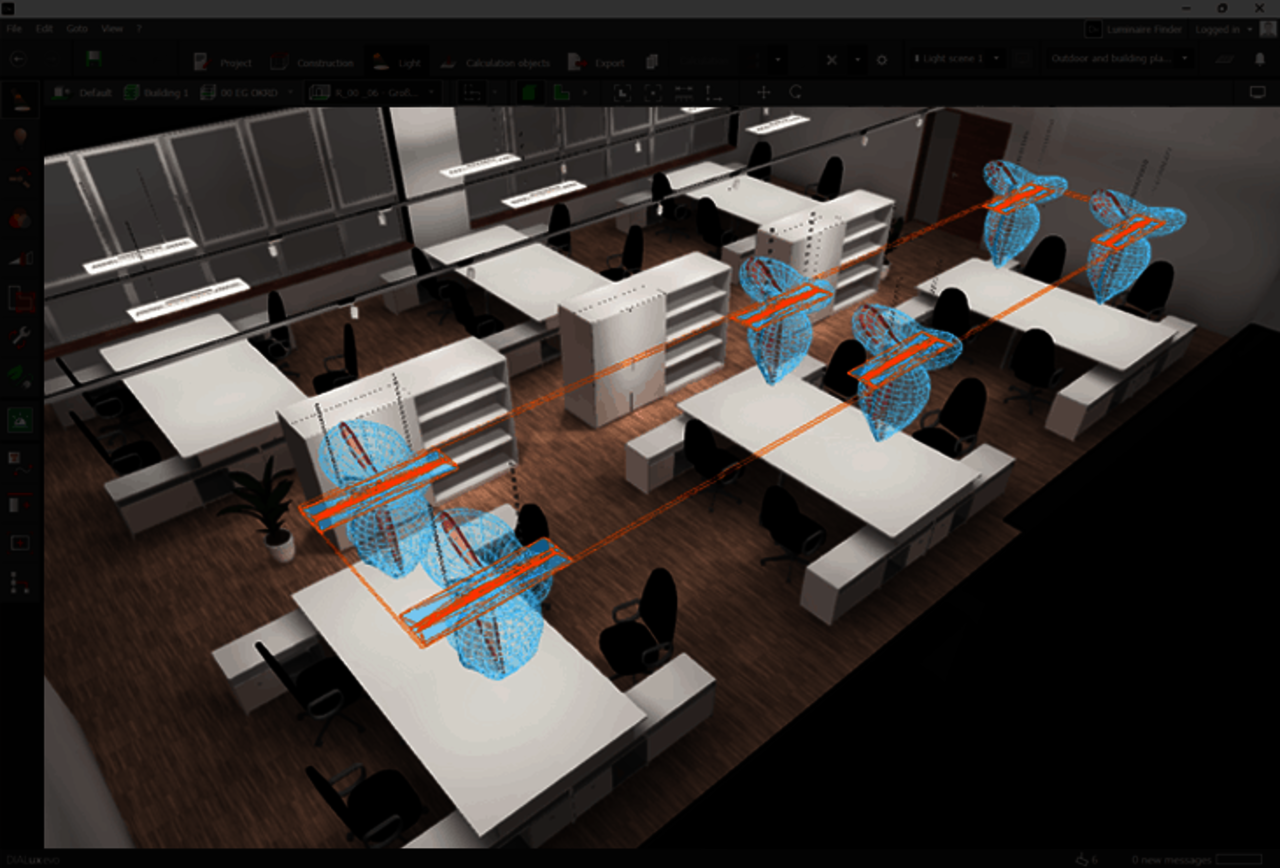
Lighting Design in DIALux
Put your design and engineering skills to work and create your lighting design in DIALux. Take advantage of the full range of features offered by specialized lighting design software.
STEP 3
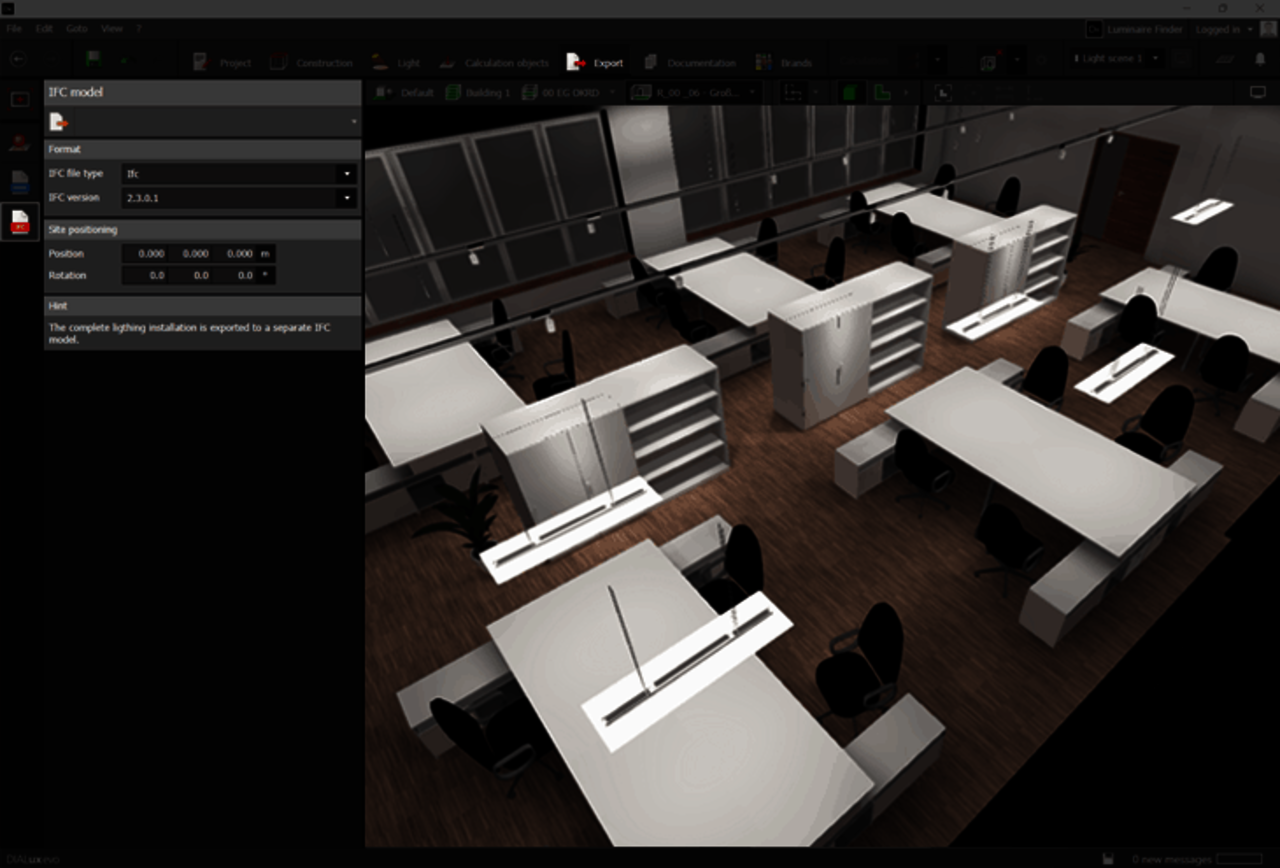
Export Lighting Model as IFC
Export your complete lighting model from DIALux as an IFC.
STEP 4
Import Lighting Model in Revit
Open DIALux Bridge for Revit and load the IFC file directly into the plug-in with a single click. An overview shows which luminaires are placed in which spaces and on which storeys, reflecting the original building structure from Revit.
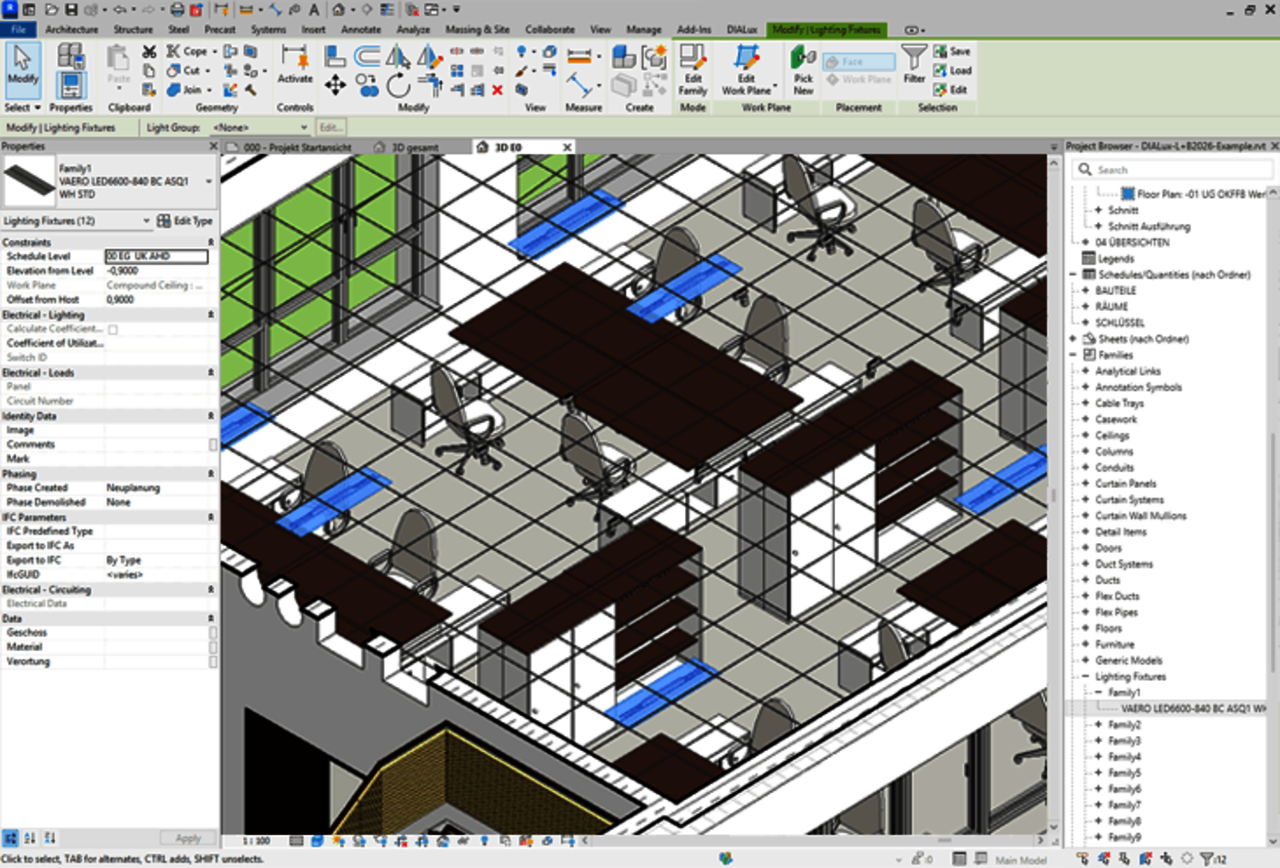
AND THAT`S IT
All done
Luminaires are placed at the exact same position and orientation as defined in DIALux. Revit families carry all mandatory parameters according to ANSI/IES TM-32-24 in the correct data fields. An updated Revit model can later be re-imported into DIALux.
CAPABILITIES
Every detail. Zero rework.
Everything modelled in DIALux arrives in Revit exactly as designed: positions, orientations, geometry, and luminaire data.
Exact Positioning
Luminaires land at the precise position and orientation defined in DIALux. No manual rework required.
Intelligent Surface Linking
Link luminaires to building surfaces like suspended ceilings so they automatically follow structural changes in Revit, or keep them independently positioned.
Native Revit Families
Luminaires are imported as native Revit Families including 3D models and the required luminaire data.
Built on ANSI/IES TM-32-24
Revit Families carry structured luminaire data based on ANSI/IES TM-32-24, with 100% coverage of all mandatory parameters.
BIM Round Trip
Update the Revit model, export as IFC, and re-import into DIALux.
SYSTEM REQUIREMENTS
What you need to get started
DIALux evo 14
Version 14 or later is required running on your machine. Download the latest version of DIALux here.
Autodesk Revit 2025
DIALux Bridge for Revit is currently available for Autodesk Revit 2025.
DIALux Pro Subscription
Active subscription required, DIALux Bridge for Revit is included at no extra cost.
PRICING
Already in your subscription
DIALux Bridge for Revit is included in DIALux Pro at no extra cost. If you already have an active subscription, simply download the plug-in and get started.