
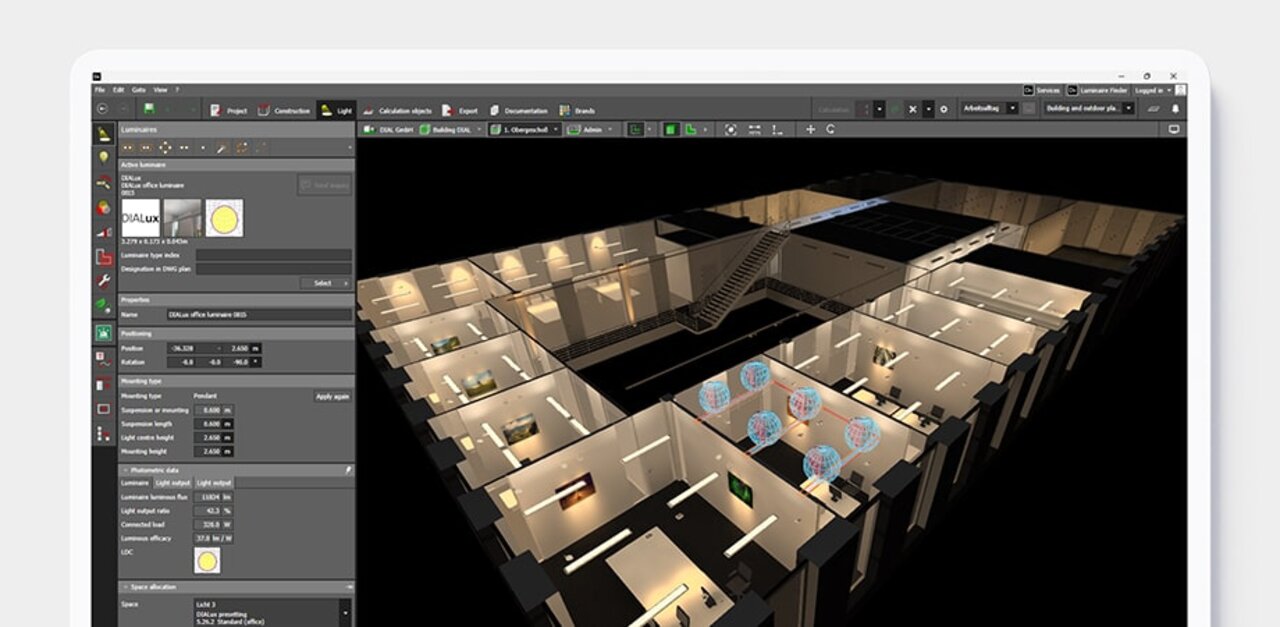
Lighting design made easy with DIALux
Design, calculate and visualise light for indoor and outdoor areas. With DIALux you can create individual rooms, multi-storey buildings, paths, car parks and streets. Use real luminaires provided by DIALux Members and bring your project to life.
Download free of charge DIALux Pro ↗







We simplify lighting design for you:
DIALux is the world's leading software for lighting design. Available in 27 languages,
free of charge and tailored to your needs.
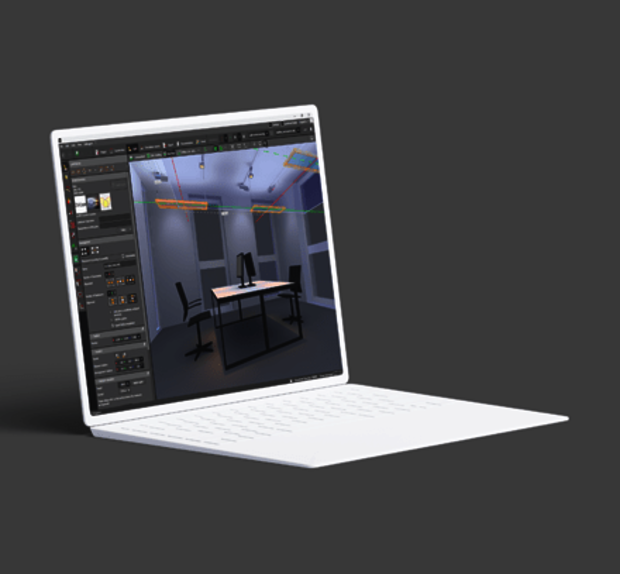
DIALux
Design, calculate and visualise indoor, outdoor, street and emergency lighting. Work with 2.5 million luminaires from our > 450 DIALux Members. The free version of DIALux evo gives you all the tools you need to create stunning lighting solutions.
Download Learn more →
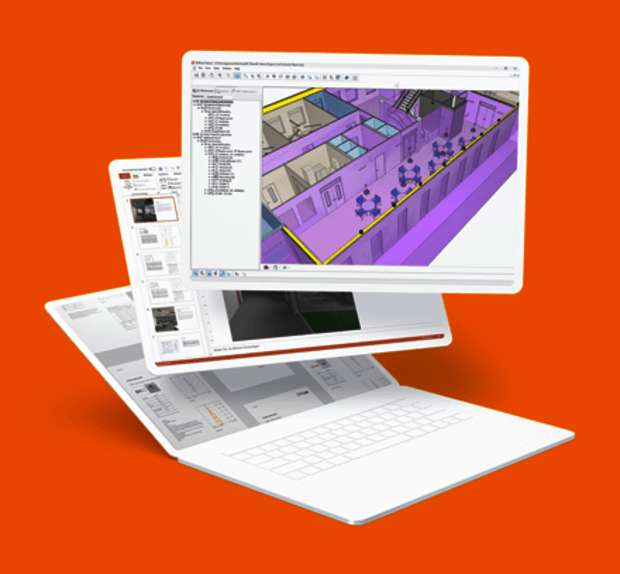
DIALux Pro
Discover the unlimited possibilities of lighting design with DIALux Pro. Our advanced version of DIALux evo is designed to speed up your workflow and increase your productivity. DIALux Pro supports you with a wealth of additional features and is constantly being expanded. Available to subscribe.
Buy now Learn more →
Trusted
750,000
DIALux Users
> 450
DIALux Members
27
Languages
News & Articles
How will sustainability performance affect lighting design practice?
Embodied carbon, product lifespan and circularity broaden the focus beyond energy efficiency. What does this mean for lighting design? Ahead of IALD Enlighten Americas, Peter Roth shares his questions and invites designers to exchange practical experiences.
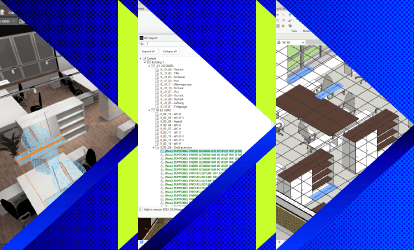
DIALux Bridge for Revit: Seamless BIM Integration for Lighting Designers
Transfer lighting models via IFC in both directions between DIALux and Autodesk Revit. DIALux Bridge for Revit is included in DIALux Pro.
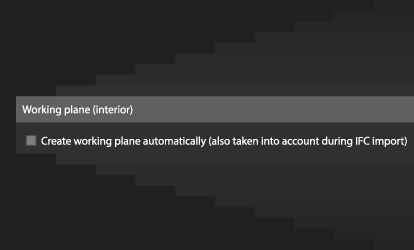
More control over working planes in DIALux evo
Create working planes automatically or add them only where needed. Save the height and margin area as default values for your next projects.