
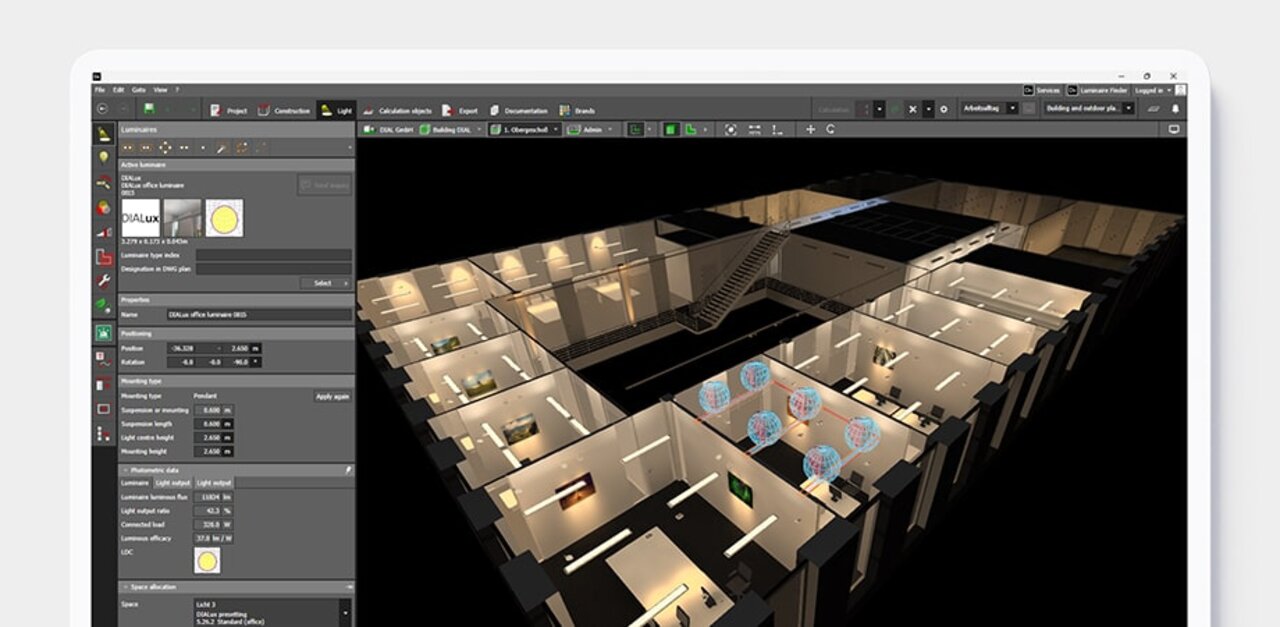
DIALux 让照明设计变得简单
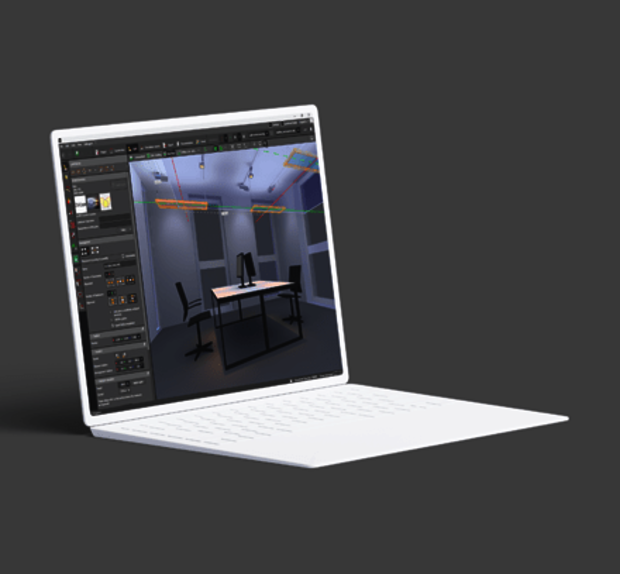
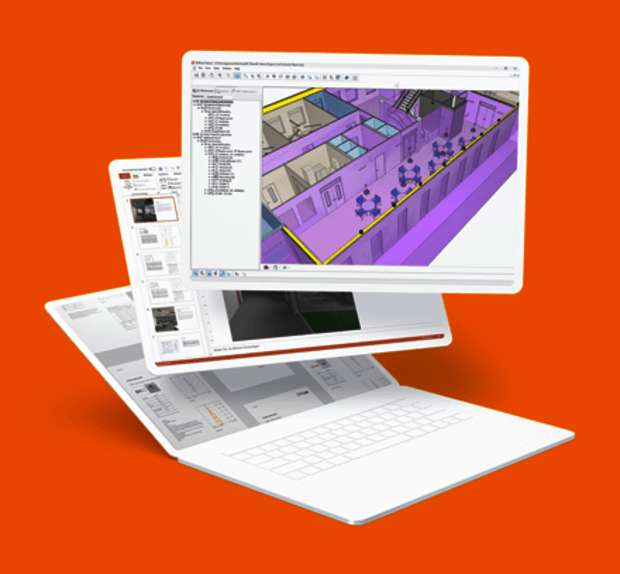
设计、计算和可视化室内外区域的光线。有了DIALux,您可以设计单个房间、多层建筑、道路、停车场和街道。使用 DIALux 会员提供的真实灯具,让您的项目栩栩如生。
免费下载 → DIALux Pro →





特色数据
750,000
全球活跃用户
> 450
DIALux 会员厂家
27
主流语言
新闻与文章
2026-10-07
·
Peter Roth
How will sustainability performance affect lighting design practice?
Embodied carbon, product lifespan and circularity broaden the focus beyond energy efficiency. What does this mean for lighting design? Ahead of IALD Enlighten Americas, Peter Roth shares his questions and invites designers to exchange practical experiences.
2026-09-03
·
DIAL GmbH
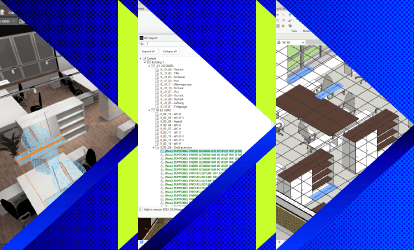
DIALux Bridge for Revit: Seamless BIM Integration for Lighting Designers
Transfer lighting models via IFC in both directions between DIALux and Autodesk Revit. DIALux Bridge for Revit is included in DIALux Pro.
2026-08-31
·
DIAL GmbH
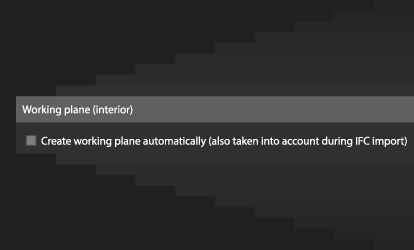
More control over working planes in DIALux evo
Create working planes automatically or add them only where needed. Save the height and margin area as default values for your next projects.